There is no separate “WhatsApp API” app to download. Meta’s WhatsApp Business Platform connects business messaging to software such as a CRM, shared inbox or order system. This guide explains when to evaluate it, how to prepare the setup, which limits to check and how to build a realistic budget.
We build WeNext.ai, a WhatsApp CRM and automation platform. Consider the WhatsApp Business Platform when you need shared workflows, CRM records or system-triggered messages. If manual replies and linked devices meet your needs, the Business app may be enough. This article was edited with AI assistance.
Three products with similar names
- WhatsApp Messenger is the personal app.
- The WhatsApp Business app supports a business profile and tools for everyday customer conversations. Check its current linked-device options and activity requirements before deciding that your team needs the Platform.
- The WhatsApp Business Platform is what people mean by “the API”. Messages flow through software you connect, such as a CRM, a store or your own code.
Key pointSo “we need two people replying” is not, on its own, a reason to move.
When the Platform is worth evaluating
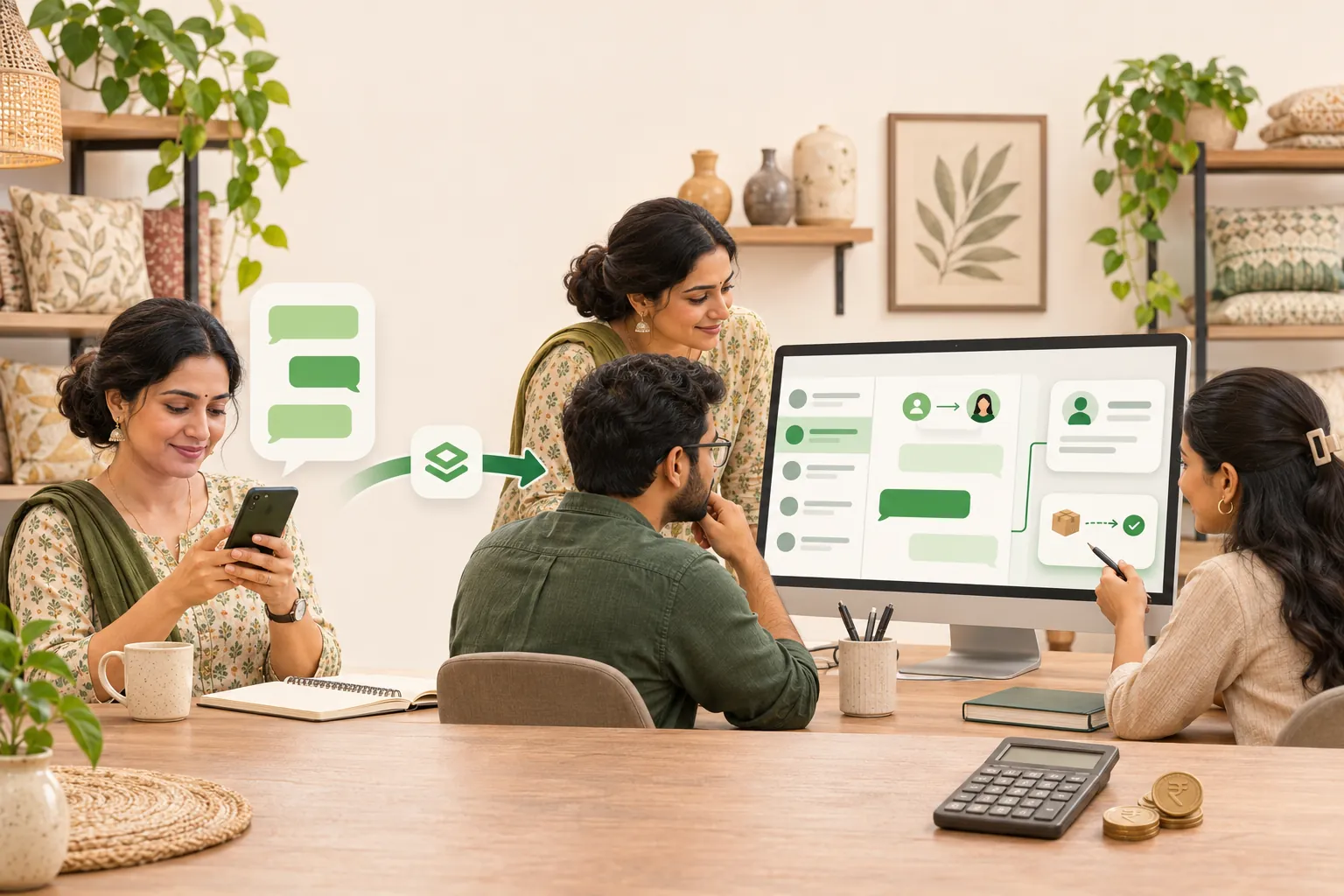
Take an illustrative home décor shop (not a customer story) with three people on the Business app.
The shop already uses linked devices. It now needs each enquiry assigned to one teammate, order updates triggered from its order system, and a shared record of what happens next. Those requirements make the Platform worth evaluating.
If you mostly reply by hand, stay on the app.
Setting it up, in order
1. Keep business ownership clear. Arrange the Meta business portfolio and messaging account required by your onboarding flow. Your business should retain appropriate administrative control, rather than leaving sole control with a temporary contractor. Use individual access and the security protections Meta requires.
2. Confirm the phone-number route. Ask whether you will use a new number, migrate an existing Platform number or use an eligible Business app coexistence flow. Meta documents onboarding for Business app users. Confirm current eligibility, history handling and feature limitations before changing an existing account. Do not assume all history will transfer.
3. Complete the checks your account requires. Provide accurate business details and requested supporting documents through Meta’s official flow. Verification requirements and review timing can vary. Business verification, display-name review and a public verification badge are separate matters.
4. Use an accurate display name. Follow Meta’s current display-name guidelines. The name should clearly represent the business and its relationship to the legal entity. Do not promise approval or a badge.
5. Prepare and test templates. Meta reviews templates under its category rules: marketing, utility and authentication. A non-promotional order update differs from an offer. Meta determines the category and approval outcome, and approval does not guarantee delivery or establish permission to message someone.
An illustrative order-update template is:
Order update template
Hi {{1}}, your order {{2}} has been packed and is scheduled for dispatch on {{3}}. Reply here if you need help.
Use accurate sample values, then test delivery, replies, assignment, opt-outs and escalation to a person. Confirm the source data before sending an automated update. A verification badge and higher messaging access have separate eligibility requirements; onboarding does not guarantee either.
The three numbers people confuse
1. Messaging limits are not a simple message allowance. Check the current limit and its scope in WhatsApp Manager and Meta’s messaging-limit documentation. Account status, eligibility and quality can affect access. Do not promise a starting tier or an automatic increase before checking the actual account.
2. Message volume and delivery are different measures. Messages sent, messages delivered and unique customers reached do not mean the same thing. An approved template and an available account limit do not guarantee that a marketing message will reach a particular person. Review current delivery and recipient-level restrictions before planning a campaign.
3. Template storage is separate from sending. How many templates an account can retain is different from how many customers it can message. Check the current template allowance for your account rather than treating a stored-template count as a sending limit.
What does the Platform cost in India?
Budget for Meta’s message charges, your provider’s fees, any setup or integration work, and applicable taxes. There is no single all-inclusive API price.
Meta’s current public Platform pricing page describes per-delivered-message pricing by category and recipient market, with free service messages and eligible utility responses. Check the applicable rate card and current billing terms before committing to a campaign budget.
Free-entry-point conditions may apply to qualifying conversations, but do not assume every later message after an ad click is free. A free pricing window does not remove the requirement to use an approved template outside the customer service window. Provider fees may still apply when Meta does not charge for a particular message.
For an Indian business, estimate message volume by category and recipient market, then add subscription fees, paid options, setup costs and applicable taxes. Confirm whether the provider adds a markup and whether its quoted price includes GST. Use current account billing details rather than a fixed allowance or an assumed policy-change date.
Choosing a provider
Meta’s Platform page offers two routes: build a direct integration, or sign up through a partner’s embedded flow, which Meta describes as needing little or no code. Ask any partner:
- Who owns the number and the chat data, and can I move both later?
- How are Meta’s message charges billed, and is there a markup?
- Do you support coexistence for my existing Business app number?
- Who helps when a template is rejected or the number is restricted?
Avoid unofficial “bulk sender” tools. Meta’s developer docs say using unauthorized third-party tools is prohibited, and it’s your number at risk.
How we connect the Platform in WeNext
This is the shop’s setup in our product, step by step, with what each plan covers.
- Connect the number. All current WeNext plans list WhatsApp Cloud API integration. WeNext also advertises template management; confirm its availability for your plan and account. Meta still approves templates and controls its verification requirements. Test the supported onboarding flow before relying on it.
- Assign each enquiry. Chats go into a shared inbox, and chat assignment is listed on every plan. Launch includes one WhatsApp number and an owner plus two agents; Sprint lists an owner plus five agents, and Turbo an owner plus fifteen. Confirm current limits on the pricing page before choosing a plan.
- Trigger order updates. Shopify and WooCommerce integrations are on Sprint and above. For your own order system, Sprint includes basic webhook integration and Turbo adds custom webhooks and API access.
- Keep a shared record. Sprint and Turbo add a CRM with pipelines, so the next step on each lead sits with the conversation.
Take the checklist
Before choosing a provider, confirm these five points:
Before you choose a provider
Your business controls the portfolio and phone number, with a clear migration plan.
You have permission for the messages you plan to send, an opt-out process and a published privacy policy.
Your provider supports the required inbox, CRM and integration workflow on the plan you are buying.
Your budget includes Meta message charges, provider fees, taxes and any setup costs.
You can test a template and escalation to a person before expanding the rollout.
Messaging rules: A customer message opens or resets a 24-hour customer service window. Outside that window, use an approved template. A free pricing window does not remove the template requirement. Obtain opt-in for subsequent messages, respect opt-outs and provide a clear route to human help. Template approval is not permission to message someone and does not establish legal compliance. Check the WhatsApp Business Messaging Policy. For regulated sectors or sensitive data, get advice for your specific use case.
If the shop’s needs sound like yours, try the matching setup in WeNext: connect the Cloud API, assign enquiries and test a template. Our homepage currently offers a 7-day free trial, no credit card required. Start your free trial at wenext.ai. Trial terms and plan features may change.
For what happens after the setup, from first enquiry to paid order, read our guide on how to sell on WhatsApp in India.