Quick answer: On the WhatsApp Business Platform, business messages outside the 24-hour customer-service window must use approved templates. The window runs from the customer’s latest message. Choose the category that matches the actual purpose, provide clear sample values, and check permission before sending. Meta makes the approval and category decisions; no wording can guarantee approval.
This article concerns the Business Platform, not saved replies in the WhatsApp Business app. We build WeNext.ai, which appears below as one way to manage the workflow. You can also use the tools available in WhatsApp Manager or another supported provider.
Which WhatsApp template category should you choose?
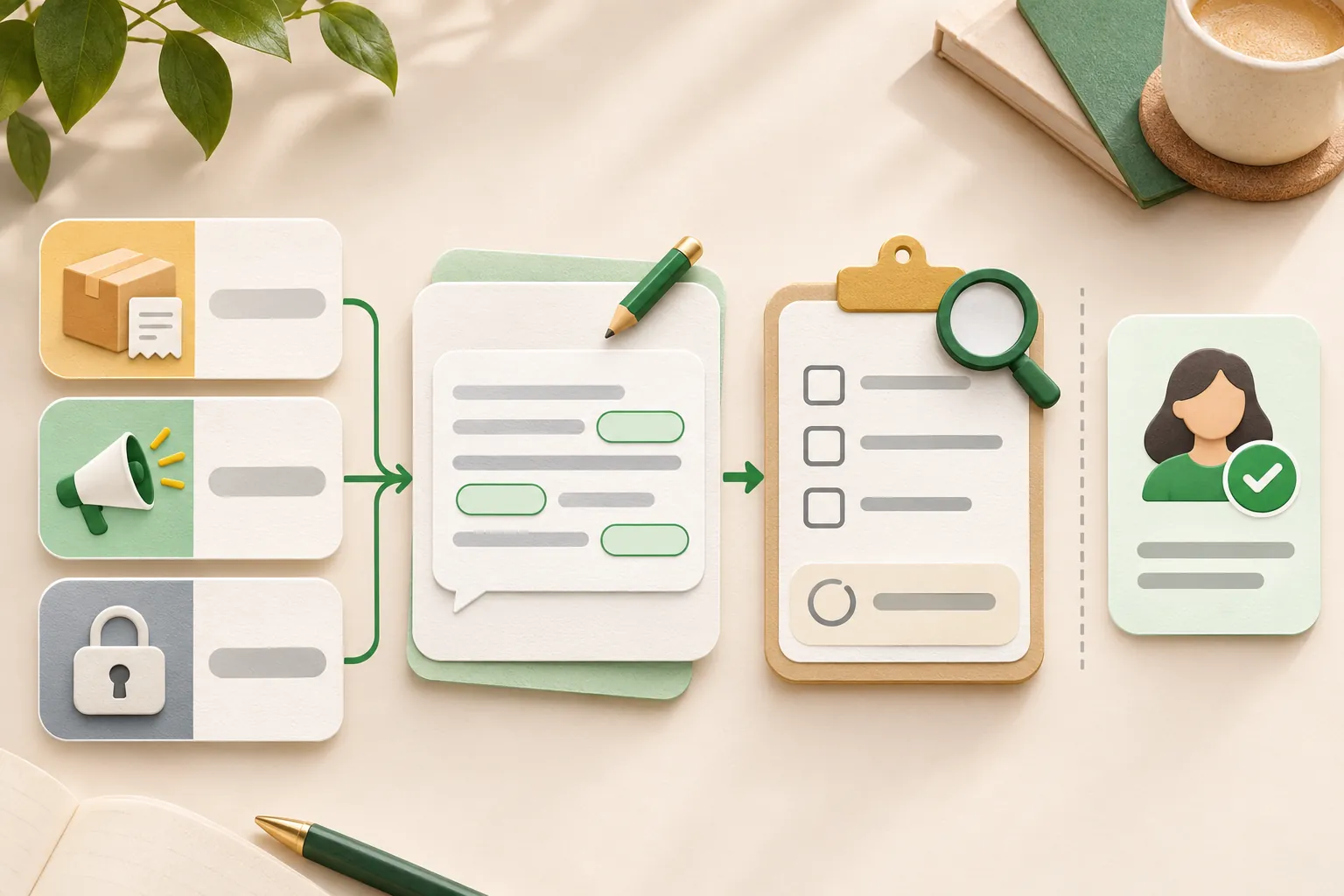
Meta has three template categories. Read thecurrent categorization guidancebefore submission.
- Utility: Non-promotional information connected to a customer’s action or request, such as an update about a particular order or appointment. The message must meet Meta’s current utility criteria.
- Marketing: Promotions, product discovery, re-engagement and other marketing purposes. An abandoned-cart reminder or an offer added to an order update can fall here.
- Authentication: One-time passcodes used to verify identity. Use Meta’s supported authentication template structure rather than adapting a promotional or order-update message.
Service is a message category, not a fourth template category. Avoid choosing utility simply because it may cost less. A customer having asked about a product does not automatically turn a later sales promotion into a utility message.
Example: “Your order has shipped” describes a transaction. Adding “Use SAVE10 on your next order” introduces promotion. Likewise, do not assume every feedback survey or public-review request qualifies as utility. Content and context determine the classification, and Meta may review a template’s category again.
How should you write template variables?
Variables are the values supplied when sending, such as an order reference or appointment time. These examples use positional placeholders: {{1}}, {{2}}, {{3}}. Use the variable format supported by your template type and provider, and follow the currenttemplate documentation.
- Give each variable a clear purpose and supply realistic, fictional sample values for review.
- Use consecutive numbers for positional variables. Do not jump from {{2}} to {{5}}.
- Keep enough fixed text for the reviewer and recipient to understand the message.
- Check the applicable body, header, footer and button limits in the current editor. Requirements can vary by component and template type.
- Preview the fully populated message, including long names, dates, currency and links.
- Use only the customer information needed for that message.
A weak draft is “{{1}}, {{2}} on {{4}}.” It gives little context and skips a variable number. A clearer draft is “Hi {{1}}, your order {{2}} is packed. Expected delivery: {{3}}. Reply here if you need help.”
For that example, samples could be Asha, ORD-4821 and 18 November 2026. These are fictional values, not customer data or promised delivery dates.
Seven WhatsApp template examples to adapt
These are original drafting examples, not Meta-approved templates. Suggested categories are starting points for submission. Replace every sample with accurate information, and only make promises your business can keep.
1. Order confirmation: utility candidate
Template 1: Order confirmation
Hi {{1}}, we have received order {{2}}. We will send an update when it ships. Reply here if you need help.
Samples: {{1}} = Asha; {{2}} = ORD-4821. Send only after the order is actually recorded. Do not treat a payment screenshot as proof that funds arrived.
2. Shipping update: utility candidate
Template 2: Shipping update
Your order {{1}} is on its way. Tracking reference: {{2}}. Expected delivery: {{3}}. Reply here if anything looks wrong.
Samples: {{1}} = ORD-4821; {{2}} = TRACK-2048; {{3}} = 18 November 2026. Use a current estimate and verify any tracking link.
3. Payment reminder: utility candidate
Template 3: Payment reminder
Hi {{1}}, payment of {{2}} for invoice {{3}} is due on {{4}}. If you have already paid, please reply so we can check our records.
Samples: {{1}} = Asha; {{2}} = INR 1,250; {{3}} = INV-1042; {{4}} = 18 November 2026. Confirm the invoice is genuine and still unpaid before sending. A payment link alone does not prove payment.
4. Appointment reminder: utility candidate
Template 4: Appointment reminder
Reminder: your appointment with {{1}} is on {{2}} at {{3}}. Reply here to confirm or request a change.
Samples: {{1}} = Example Studio; {{2}} = 18 November 2026; {{3}} = 3:00 PM IST. Include the time zone where useful. Avoid putting medical details or other sensitive information in a notification.
5. Feedback about a specific order: category requires review
Template 5: Feedback request
Your order {{1}} was delivered on {{2}}. If you would like to share feedback about this delivery, reply here and our team will help.
Samples: {{1}} = ORD-4821; {{2}} = 18 November 2026. This is private feedback about a transaction, not a public-review request. Meta assesses whether the actual use qualifies as utility.
6. New arrivals: marketing candidate
Template 6: New arrivals
Hi {{1}}, our new {{2}} range is available. Reply VIEW if you would like the catalogue. Reply STOP to stop promotional messages.
Samples: {{1}} = Asha; {{2}} = cotton tote bag. Use an eligible, opted-in audience and ensure your team or system actually honors STOP and other clear opt-out requests.
7. Back in stock: marketing candidate
Template 7: Back in stock
The {{1}} you asked about is back in stock at {{2}}. Reply here if you would like current availability. Reply STOP to stop promotional messages.
Samples: {{1}} = blue cotton tote; {{2}} = Example Store. Check inventory before sending. Do not imply stock has been reserved unless it has.
What should you check before submitting?
- Purpose and category: Does the complete message match the selected category, including any offer in the footer or button?
- Samples and formatting: Are all variables explained and populated with fictional examples? Are component limits and supported buttons respected?
- Content rules: Does the message meet WhatsApp’s messaging and commerce policies? Do not request unnecessary sensitive identifiers, use threats or public shaming, or disguise prohibited content.
- Existing templates: Check for duplicates and follow the rejection reason rather than making cosmetic changes repeatedly.
- Operational truth: Are dates, stock, prices, links and support commitments accurate? Is someone responsible for replies?
If rejected, inspect the reason in the available Meta or provider tools. Correct the underlying issue or use the supported review or appeal route when appropriate. Processing times can vary. An approval can later change, and delivery remains subject to platform rules and quality controls.
Does approval mean you can send it to anyone?
No. The WhatsApp Business Messaging Policy requires permission and respect for opt-outs. Having a phone number, a prior purchase or an approved template does not by itself authorize every future campaign.
Key pointA reply opens or resets the 24-hour customer-service window, but does not override applicable consent, content or privacy requirements.
Check that the intended message fits what the person agreed to receive, suppress opted-out contacts, and stop when a recipient clearly asks.
How much does sending a template cost?
Meta’s current Platform model charges per delivered message, with rates depending on the category and recipient market. Service messages and eligible utility responses are free under the applicable rules. Check the official rate information for your use case, and account separately for provider plans, taxes and other fees. Do not rely on an old blanket conversation-based price.
How can WeNext fit into the workflow?
WeNext.ai offers WhatsApp CRM and automation tools. When evaluating it for template campaigns, check that your account supports the needed template management, audience selection, scheduling and reporting. Confirm the current feature set and plan before relying on a particular step.
The essential workflow is the same: prepare the template, obtain Meta’s approval where required, select an eligible opted-in audience, validate each variable, test with authorized recipients, and monitor replies and opt-outs. WeNext does not replace Meta’s approval or your responsibility for lawful, appropriate messaging.
You can copy the seven examples and samples directly from this article. Visit WeNext.ai or review its current plans to assess the product. For the wider sales process, see how to sell on WhatsApp in India.