For WhatsApp follow-ups, get permission that identifies your business and the messages the customer can expect. Record when, where and how they agreed, keep the wording they saw, and stop when they opt out. An enquiry gives you a reason to answer that enquiry, not a blanket invitation to send future offers.
We build WeNext.ai, a WhatsApp CRM and automation platform. This guide uses a simple form and consent log, with an optional product workflow near the end. It was prepared with AI assistance.
What does WhatsApp require?
WhatsApp’s Business Messaging Policy requires the person to have supplied their number or username and opted in to subsequent messages or calls. It also requires businesses to respect requests to stop, whether made on WhatsApp or elsewhere. The policy applies to the Business app and Business Platform. Read the current source: business.whatsapp.com/policy
For the Business Platform, permission and message format are separate checks. A customer message opens or resets a 24-hour service window. Outside it, use an approved template; inside it, keep the reply relevant and within the permission you have. Template approval is not proof of consent or legal compliance.
Ask for a specific choice
State your business name, channel, message purpose and a realistic frequency or limit. Separate order updates from promotional offers. Do not use a pre-ticked marketing box, make marketing permission a condition of buying, or treat a purchased contact list as permission. A phone number on an invoice is not an opt-in record.
Key pointAn enquiry gives you a reason to answer that enquiry — not a blanket invitation to send future offers.
The examples below are illustrative wording, not pre-approved templates or legal forms. Replace the brackets with accurate details, provide your privacy notice and adapt the request to applicable law and your actual workflow.
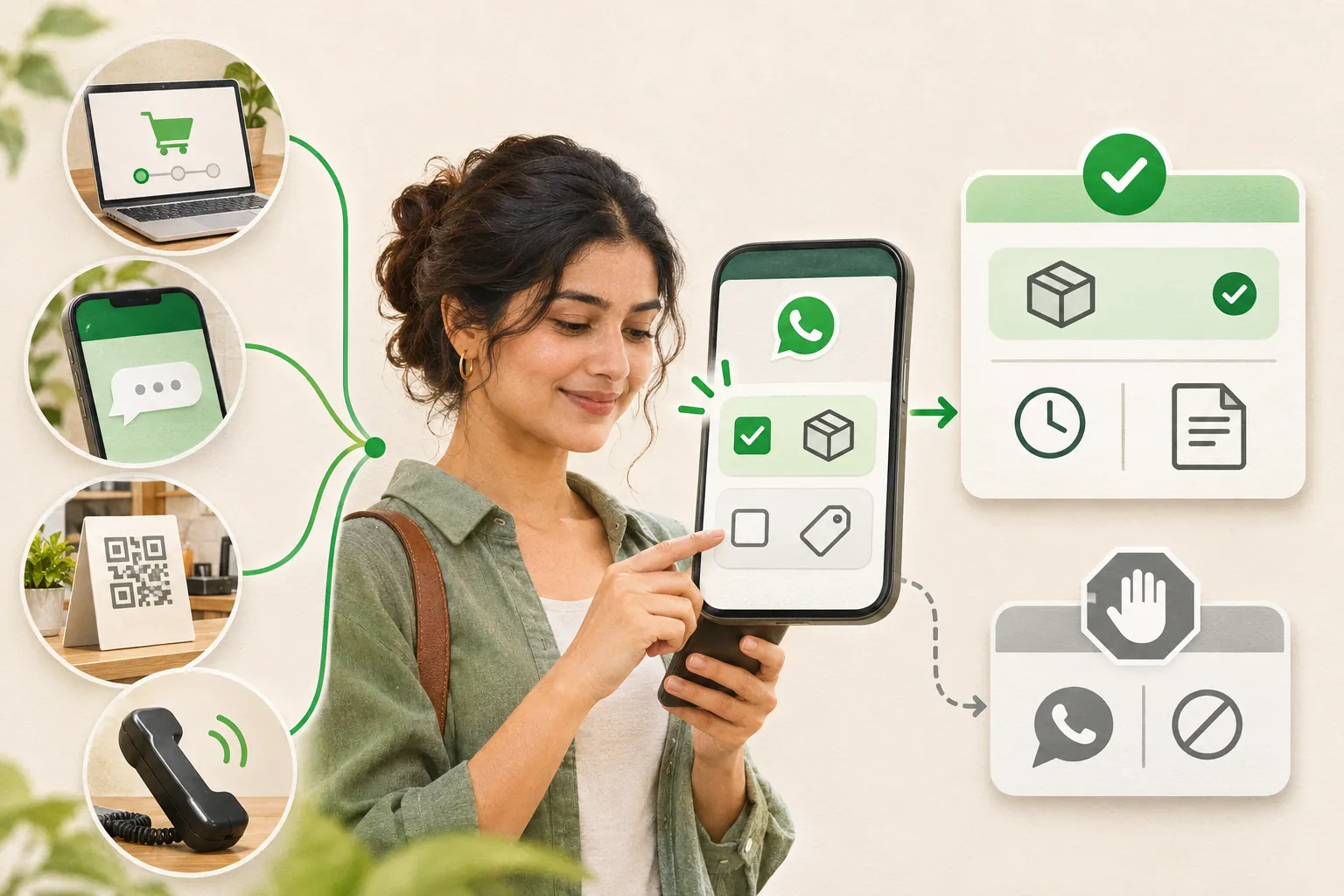
Four places to ask
1. On a website or checkout
Use separate, unticked choices. Record each choice independently.
Checkout opt-in choices
Send me WhatsApp updates from [Business] about this order. I can opt out by replying STOP.

Send me WhatsApp offers from [Business], up to [realistic frequency]. I can opt out anytime.
2. During an inbound WhatsApp conversation
After answering the question, ask:
In-chat opt-in
Would you like up to two WhatsApp follow-ups from [Business] about [this enquiry], including [specific information]?
Reply YES to agree. Reply STOP anytime.
A refusal or silence should not enrol the customer. If the Platform service window has closed, check the template requirement before sending another message.
3. At the counter or through a QR code
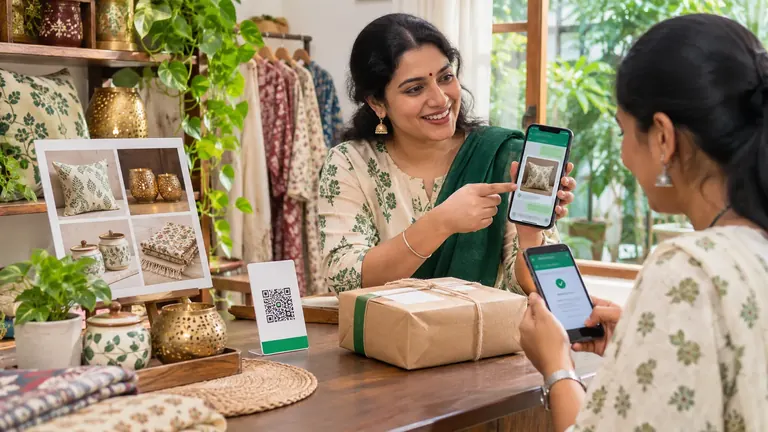
Show a short notice naming the business and message type beside the QR code. Link to a form or chat where the person actively confirms the choice. Scanning a code alone does not show agreement to every future campaign. Keep the version of the notice and confirmation, without collecting unnecessary identity documents.
4. During a phone conversation
Spoken opt-in
May [Business] send you WhatsApp updates about [purpose], up to [frequency or limit]? You can ask us to stop at any time.
Record the answer, date, staff member and wording in your consent log. Do not record calls without checking the applicable recording and notice requirements.
What should the consent log contain?
Consent log
Internal customer reference and the contact channel
Date and time of the agreement
Collection source — checkout, chat, QR code or phone
Exact wording seen, or the notice version
The affirmative choice they made
Permitted purpose, and current opt-out status
Store enough evidence to understand the agreement, with restricted access and a retention policy. Avoid copying entire chats, payment credentials, medical information or children’s details into shared reports. A log supports your record; it does not guarantee a legal defence.
Process opt-outs across every channel
Treat “stop”, “no more offers” and equivalent plain-language requests as meaningful. Update the suppression record promptly, cancel affected queued messages and tell the teammate who owns the conversation. Do not require the customer to send a second message or fill out a form to stop. Keep only the minimum suppression record needed to avoid contacting them again. If a request’s scope is unclear, pause the affected messages while resolving it.
Where WeNext.ai fits
WeNext.ai advertises a shared inbox, CRM and automation tools at wenext.ai/features. Before using an automated follow-up, check that your account can record the permission you need and reliably exclude opted-out contacts. Test replies, bookings and offline opt-outs. If a stop rule is not supported or reliable, keep that step manual. Software features do not create permission to message.
Before your next send
Check the recipient’s current permission, the purpose and frequency they agreed to, their latest message time, the required template and the opt-out list. Use Meta’s opt-in guidance alongside the messaging policy: getting opt-in