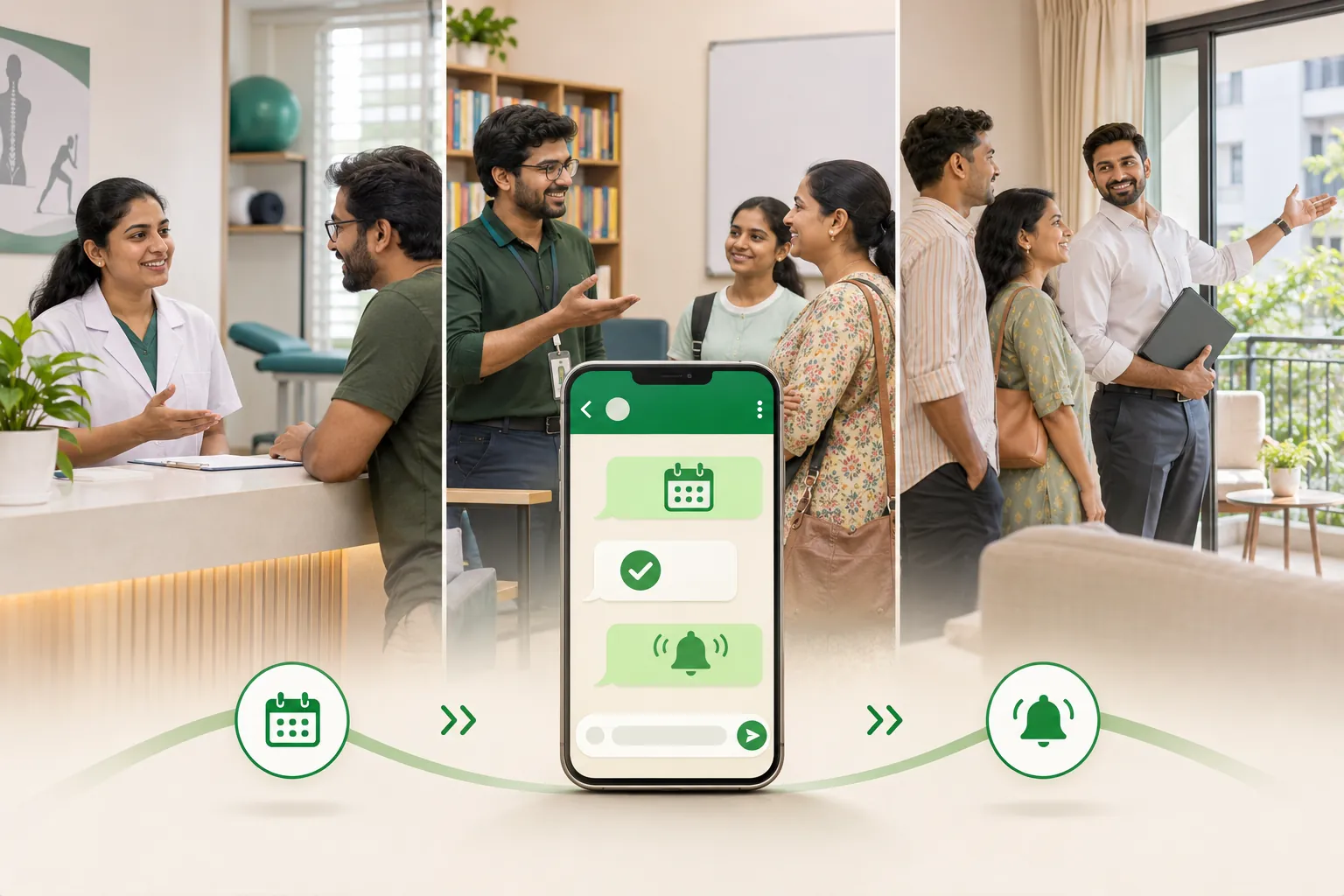
To manage appointment bookings on WhatsApp, check calendar availability, confirm the agreed slot, get permission for reminders and give the customer a clear way to cancel or reschedule. Assign each booking to one teammate so changes do not sit unanswered.
This guide explains a practical booking workflow for a clinic, a coaching centre and a property agent. A shared calendar and manual messages may be enough; automation depends on your tools and permissions. We build WeNext.ai, a WhatsApp CRM and automation platform, and its optional booking features appear near the end. This article was edited with AI assistance.
The booking flow
1. Answer the question, then ask one thing
Answer what the customer asked, then ask one question that moves the booking forward. Keep menus short and offer a human contact when needed. If you cannot reply promptly, use a greeting or away message that accurately states when someone will respond.
2. Qualify with two or three questions
Ask only what changes the slot, the person or the price. WhatsApp’s Business Messaging Policy says not to ask people to share full card numbers, financial account numbers, ID card numbers or other sensitive identifiers, so keep those out of the chat.
3. Offer specific slots, then book in the right order
“When are you free?” starts a long back-and-forth. “Tuesday 11 am or Thursday 5 pm?” usually gets an answer in one message. Once they pick:
Check the shared calendar, reserve the selected slot, and then send the confirmation. Record the booking owner and provide a clear way to cancel or reschedule.
Key pointThe order matters. If you confirm first and check later, two people can end up holding the same slot.
The booking owner is the one teammate responsible for that appointment, so a reschedule request never sits unanswered.
Booking confirmation
Confirmed, {name}: {service} on {day}, {date} at {time}, with {person} at {address or link}.
Please bring {what to bring}.
To cancel or reschedule, reply CHANGE and {owner} will sort it out.
4. Send only the reminders they expect
Agree the reminder frequency when the customer books. One reminder the day before may be a useful starting point; send an additional same-day reminder only if it fits what the customer agreed to receive. This is a suggested workflow, not a WhatsApp requirement.
Reminder
Reminder: your {service} is tomorrow, {date} at {time}, with {person} at {address or link}.
Reply 1 to confirm or 2 to reschedule.
On the WhatsApp Business Platform, a reminder sent outside the 24-hour customer service window must be an approved template. A plain reminder about a booking the customer made matches Meta’s description of utility templates: non-promotional and specific to them. Add a discount and it can be treated as marketing; Meta decides the category. On any setup, WhatsApp’s policy requires opt-in before you contact people, so ask at booking time and keep a record:
Reminder opt-in
Can we send you a reminder on WhatsApp before your appointment?
Reply YES to agree. You can reply STOP at any time.
5. Handle cancellations and no-shows
Treat a cancellation as good news: the slot is free for someone else. Release it in the calendar straight away, then offer a new time once.
Cancellation
No problem, {name}. I've cancelled {day} at {time}.
Would {option 1} or {option 2} work instead, or shall I leave it for now?
For a no-show, send one message the same day, without blame, then stop:
No-show
We missed you today, {name}. Would you like to rebook?
Reply with a day that suits you, or ignore this if plans have changed.
Record both outcomes. If the same person misses twice, a teammate can decide whether to ask for confirmation the morning of the next visit.
6. Follow up once after the visit
Send only the follow-up the customer requested or agreed to receive. Apply the same opt-in and template checks to reminders, rebooking invitations and post-visit messages. Do not assume every follow-up is a utility message; Meta determines the category. If the customer opts out, record it promptly and stop the affected messages.
Three worked examples
All three are illustrative, not customer stories.
A physiotherapy clinic
Even scheduling information can reveal a health relationship. The clinic should assess whether its WhatsApp setup and staff access meet applicable privacy and healthcare requirements before using it. Keep diagnoses, reports, prescriptions and unnecessary health details out of routine messages, and move clinical discussions to an appropriate channel. WhatsApp’s policy restricts health-information uses where applicable regulations prohibit them.
Clinic: first reply
Hi {name}, thanks for writing to {clinic}. Our physiotherapy OPD runs Monday to Saturday, 10 am to 1 pm.
Is this a first visit or a follow-up, and do you prefer a particular doctor or day?
Messages stay to appointments, timings and directions, and a receptionist is always one reply away.
A coaching centre
For a child’s demo class, communicate through the parent or guardian and collect only the information needed to arrange the session. Do not put a child’s personal details into general marketing lists or shared reports. Check any age- and guardian-consent requirements that apply to your service.
Coaching centre: first reply
Hi {name}, thanks for asking about a demo class for {course}.
Are you arranging this for yourself or as a parent or guardian?
Which of these available times would suit you: {option 1} or {option 2}?
After the demo, the centre sends the fee details in writing so nobody remembers them differently, plus one follow-up with the batch start date.
A property agent
The booking is a site visit, and the decision can take weeks. The agent qualifies on budget, area and timeline so weekends go on visits with a real chance.
Property agent: first reply
Hi {name}, thanks for asking about {project}. I can check current 2BHK availability and arrange a visit.
Which area, approximate budget range and move-in timeline are you considering?
He confirms each visit with a map pin, and one follow-up carries the floor plan the buyer asked about. He checks what his state’s real estate regulator requires in promotional messages, such as project registration details.
Three numbers to watch
Track these monthly, overall and per business line:
- Enquiries that become bookings: bookings ÷ enquiries. If it’s low, look at first replies and slot offers.
- Bookings attended: visits that happened ÷ bookings. If it’s low, look at reminders and how easy it is to reschedule.
- Cancellations and no-shows: each as a share of bookings, kept separate. A cancellation frees a slot; a no-show wastes it.
A simple booking log is enough to calculate all three.
How we run this in WeNext
WeNext.ai advertises online booking, team availability and automated confirmations and reminders. See the appointment features at wenext.ai/features and supported calendar/video integrations at wenext.ai/integrations. Confirm the required setup and plan before relying on a workflow.
- Customers pick a time. WeNext offers online booking against team availability, and our two-way Google Calendar sync keeps availability and bookings in step with your team’s calendars.
- Confirmations and reminders go out automatically. WeNext sends automated confirmations and appointment reminders. On the Platform, reminders outside the window still need an approved template and an opted-in customer.
- Video links are created for you. Our Zoom and Google Meet integrations create a link when a customer books a demo.
- Each booking gets an owner. Chat assignment is on every plan, so you can give every booking a named teammate.
Plans differ: Sprint includes one appointment calendar (up to 50 bookings a month); Turbo includes three calendars with team scheduling. See pricing. Our website doesn’t describe a self-serve cancel or reschedule button, so handle those replies as in step 5.
Build your booking log
Create a booking log with enquiry date, business line, internal customer reference, booking owner, agreed slot, reminder permission, status and follow-up status. Use a clearly labeled fictional row to test the workflow. Restrict access, keep health information and unnecessary children’s details out of the log, and set a retention period. Count unique bookings consistently so rescheduled appointments are not double-counted.
Booking log columns
Enquiry date and business line
Internal customer reference
Booking owner — a name, not “the team”
Agreed slot, and the reminder permission given
Status: confirmed, attended, cancelled or no-show
Follow-up status
If you’d like bookings, reminders and calendar sync handled in one place, try that workflow in WeNext. Our homepage currently offers a 7-day free trial, no credit card required. Start your free trial at wenext.ai. Trial terms and plan features may change.
For what happens when an enquiry is a sale rather than an appointment, read our guide on how to sell on WhatsApp in India.